
Projector Enclosure for Holiday Projection Mapping
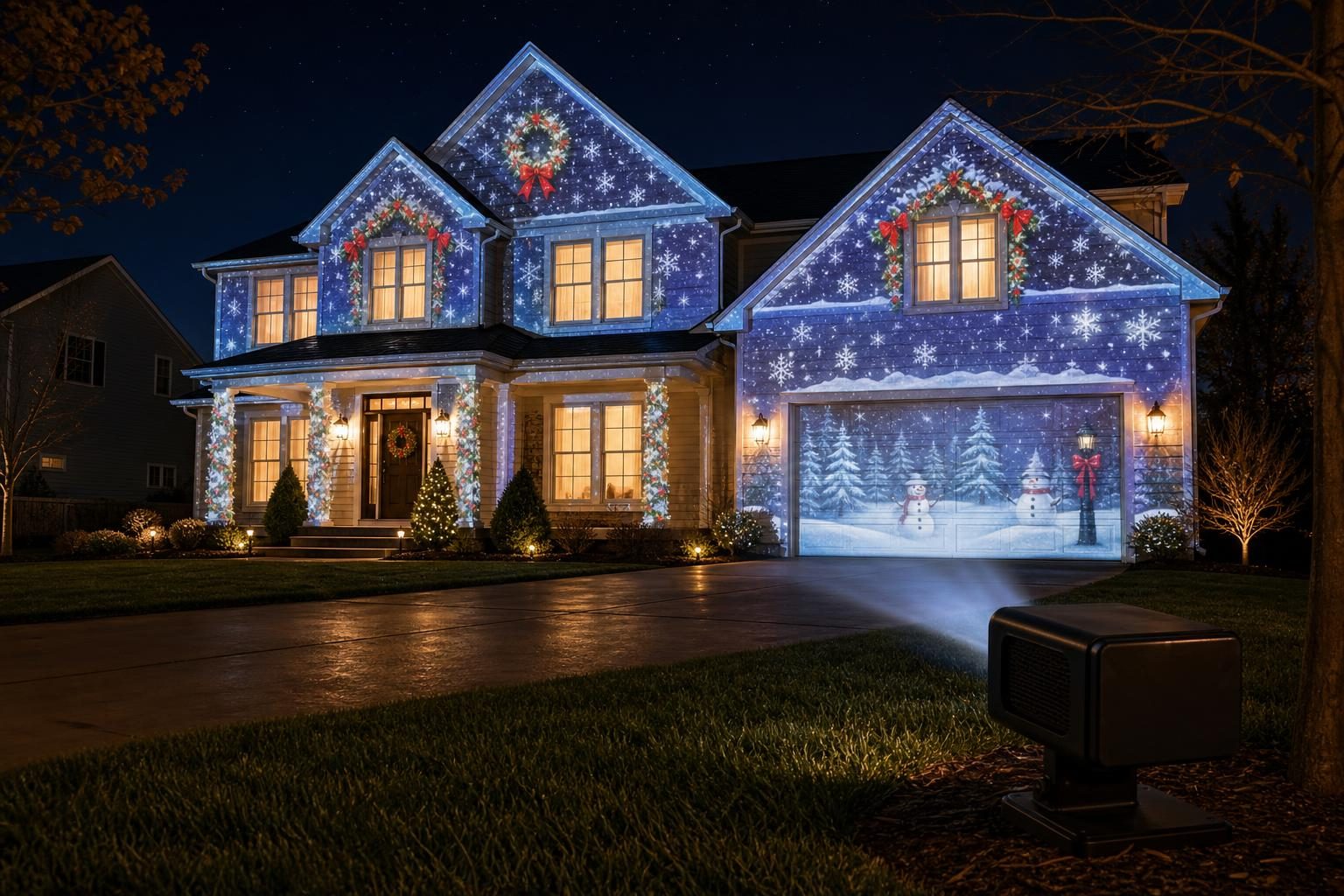
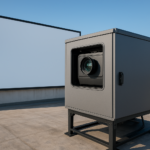
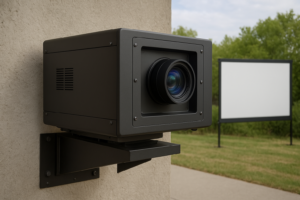
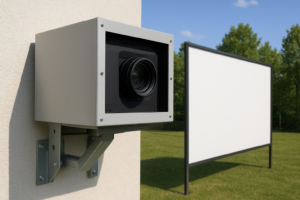
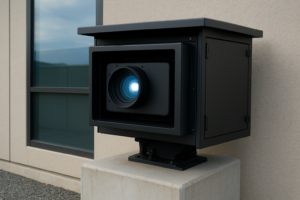
Residential holiday projection mapping can turn a home, garage door, or other household surface into a seasonal display. A projector enclosure helps organize the projector while preserving the airflow and alignment needed for a reliable show. This guide focuses on residential and seasonal house projection mapping. Larger commercial and architectural projection-mapping projects should be evaluated separately based on projector type, operating environment, installation duration, and enclosure requirements.
Residential Holiday Projection Mapping
Seasonal mapping projects often run on a repeated evening schedule for a limited part of the year. Begin with the projector model, location, and expected operating conditions. Confirm that the projector fits, intake and exhaust paths remain open, and power and signal cables can be routed without blocking airflow or forcing tight bends.
Halloween House Projection Mapping
Halloween displays may use animated characters, window effects, garage-door scenes, or mapped details that follow the shape of a home. The projector position must remain stable so the mapped image continues to align with the selected surface. Review projector dimensions, lens position, airflow direction, cable routing, and required clearance before choosing an enclosure.
Christmas House Projection Mapping
Christmas mapping may combine animated patterns, seasonal accents, and timed scenes across a home or garage. Verify projector body dimensions and lens position, then confirm that intake and exhaust openings have suitable clearance inside the enclosure. Keep power and signal cable paths clear of ventilation openings.
Other Residential Seasonal Projection Mapping
The same planning approach can support New Year displays, birthday visuals, neighborhood celebrations, and other short-run household events. The subject can change while the core review remains consistent: projector fit, lens position, airflow, cable routing, clearance, and actual conditions at the selected location.
Airflow and Projector Fitment
Projectors generate heat during operation. An enclosure should not obstruct the projector’s intake or exhaust path. Measure the projector rather than assuming compatibility, and compare those measurements with the enclosure’s documented fit envelope. Include connector depth and cable bends in the review.
- Confirm projector height, width, and depth.
- Confirm lens position and the required projection opening.
- Identify intake and exhaust locations.
- Plan power and signal cable routing.
- Preserve the required clearance around the projector.
Fan-Cooled or Climate-Controlled?
A fan-cooled enclosure can be appropriate for a compatible project in a controlled, covered, or mild environment when documented fit and airflow requirements are satisfied. Projects with more demanding environmental-protection requirements should be evaluated against verified climate-controlled enclosure guidance. Select from the actual projector, location, and product specifications.
Homeline Relationship
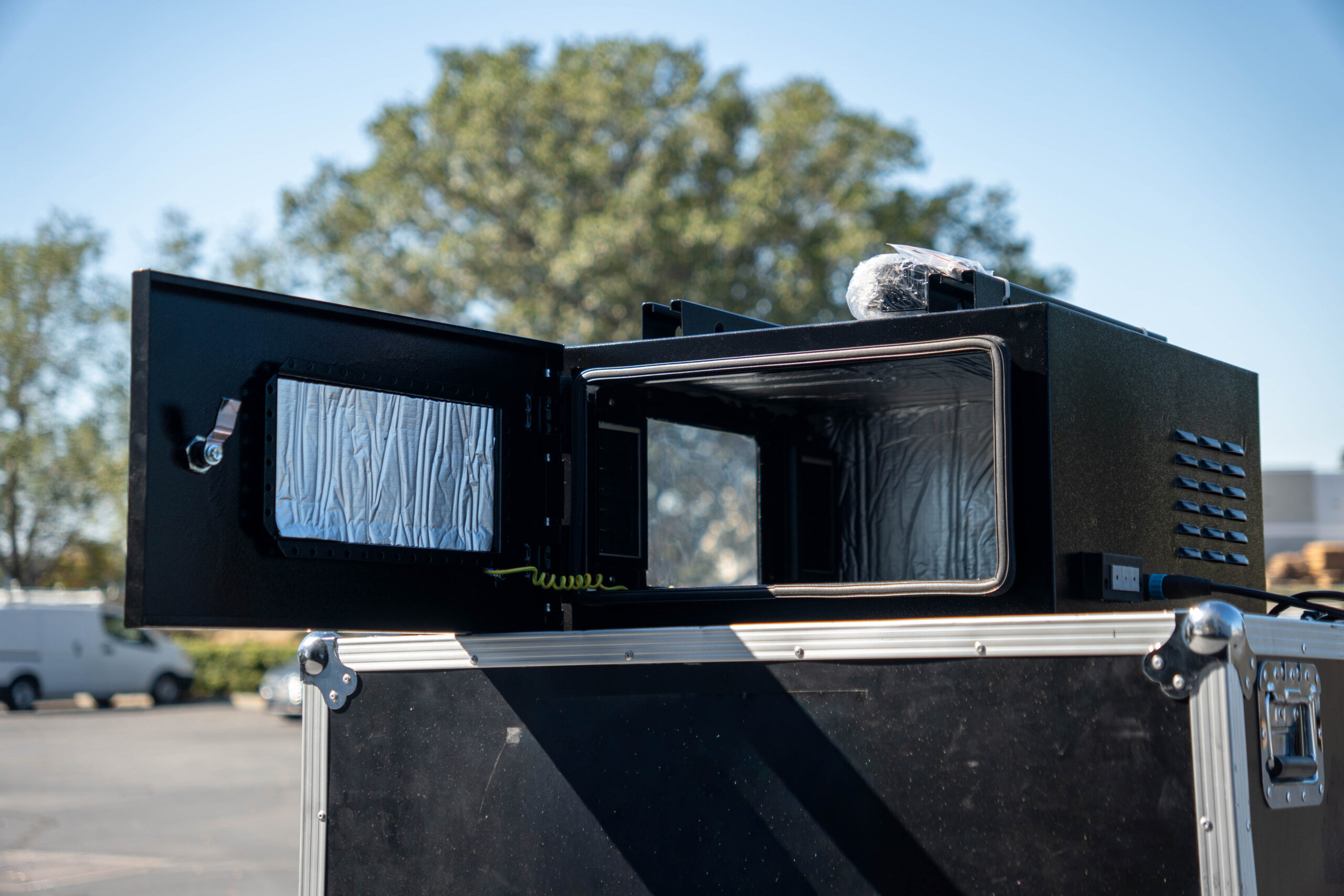
The Homeline Projector Enclosure is the consumer product relationship for compatible residential setups. Homeline uses temperature-controlled fan cooling and has documented dimensions and fitment requirements. Confirm projector dimensions, lens position, intake and exhaust locations, cable routing, and clearance before ordering.
This seasonal article does not replace the Homeline product page and does not own broad house-projection-mapping keywords. It explains how residential holiday use cases connect to verified enclosure and compatibility decisions.
Seasonal Projection Mapping Resources
Review the Homeline Projector Enclosure for residential product context. Compare fan-cooled enclosure guidance and climate-controlled enclosure guidance according to the projector, operating environment, fitment, airflow, and project requirements.
Common projection-mapping software used in seasonal workflows includes HeavyM, MadMapper, Resolume Arena, and TouchDesigner. Software selection depends on the content, mapping workflow, projector configuration, and project requirements.
Residential Holiday Mapping Checklist
- Select the household surface and confirm projector position.
- Measure the projector and document lens, intake, exhaust, and connector locations.
- Compare measurements with the selected enclosure.
- Plan cable routes without blocking airflow.
- Confirm enclosure type against actual location and operating conditions.
- Test alignment and ventilation before the seasonal display begins.
Outdoor Projector Enclosures For Waterfront Installations