
Projector Enclosure Power Requirements Guide: Ensuring Reliable Performance
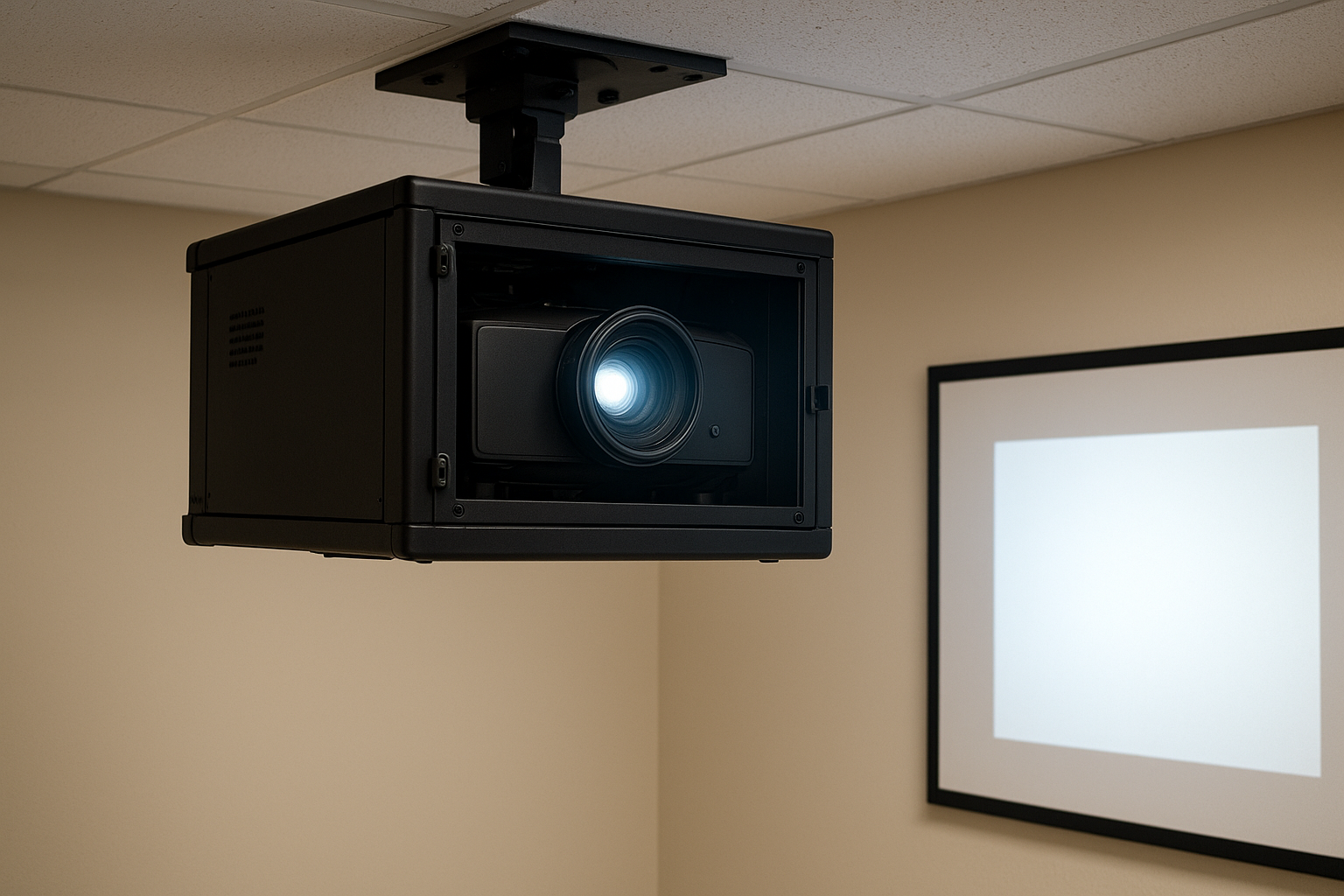
Projector Enclosure Power Requirements Guide: Ensuring Reliable Performance
Commercial AV installations can live or die based on power stability and reliability. Understanding projector enclosure power requirements is essential for integrators, facilities managers, and AV professionals deploying outdoor projector protection, projection mapping enclosures, and weatherproof projector housings in demanding environments. ProjectorEnclosure.com has designed and manufactured robust, field-proven projector enclosure solutions for years, and we know reliable power is the foundation of every successful enclosure project.
Why Power Requirements Matter for Projector Enclosures
Each commercial projector enclosure houses high-performance electronics, climate controls, and circulation fans to safeguard your valuable projector investment. If your power infrastructure does not meet recommended specifications, you risk thermal failures, reduced lamp life, or even critical equipment shutdown. Outdoor projector enclosures and projection mapping housings often encounter variable conditions—requiring extra care in planning power sources, circuit sizing, protection, and backup systems.
Key Projector Enclosure Power Requirements
Projector enclosure systems integrate multiple power-hungry components beyond the projector itself. Carefully consider the following:
- Projector Wattage: Refer to manufacturer ratings—high-brightness projectors often exceed 1200W, and laser models can use even more.
- Climate Control: Enclosures with heating, cooling, or dehumidifiers may need dedicated circuits—especially in climate-controlled projector enclosures.
- Fan Systems: Fan-cooled projector enclosures typically require 30-150W for high-velocity fans, sometimes more for filtered and pressurized systems.
- Accessory Loads: Lighting, AV devices, Ethernet switches or media players can add significant wattage.
- Voltage and Phase: Most commercial enclosures are 110V-240V (single phase), but three-phase power is occasionally needed for very large installations.
| Component | Typical Power Draw | Notes |
|---|---|---|
| Standard Projector | 400-1000W | Lamp/laser-based, varies by model |
| High-Brightness Projector | 1200-2200W | Projection mapping, large venues |
| Fan System | 30-150W | Continuous operation |
| Air Conditioned System | 500-1500W | Included in some air-conditioned projector enclosures |
| Accessories (Media Players, Ethernet) | 50-200W | Add per device |
Projector Enclosure Power Requirements: What to Ask Before Installation
- What is the total expected load? Calculate total wattage for all devices inside your enclosure. Oversize your circuit by at least 20%.
- Is power stable at the installation location? Outdoor installs may be far from stable building power—consider voltage regulation or surge protection.
- What backup or failover systems are needed? Battery UPS or generator backup may be critical for safety or high-profile events.
- How will you manage power distribution? Use rated power strips, outdoor-rated wiring, and correct circuit breakers.
For advanced projects—such as custom projector enclosures or specialized projection mapping installations—ProjectorEnclosure.com can advise you on supply sizing and redundancy.
Common Mistakes When Setting Up Projector Enclosure Power
- Underestimating Load: Forgetting to include climate and accessory power—leading to overloads and tripped breakers.
- Poor Weather Resistance: Not using outdoor-rated power cables or connections for outdoor projector enclosures.
- No Surge Protection: Failing to install surge protectors for sensitive electronics.
- Improper Grounding: Improper electrical grounding creates safety hazards and audio-visual interference.
- Neglecting Redundancy: Not providing UPS or generator power in critical or mission-critical installations.
Future Trends in Projector Enclosure Power Management
- Smart Power Monitoring: Advanced enclosures are incorporating real-time load monitoring and remote alerts for maintenance teams.
- Efficient Cooling Integration: As projectors and enclosures become more energy efficient, climate and fan systems will draw less power—improving energy savings.
- Green Energy Applications: Integrating solar panels and battery banks for outdoor projector protection in remote or off-grid locations.
- Unified AV Power Management: Harmonized control using networked power controllers simplifies operations for large AV installations.
Frequently Asked Questions: Projector Enclosure Power Requirements
- What size of circuit breaker should I use for my projector enclosure?
- Calculate the combined wattage of your projector, fans, climate control, and accessories. Divide by your local voltage (e.g., 120V), then add 20% safety margin. Most commercial installs use 15-30A breakers.
- Can I use extension cords for outdoor projector enclosures?
- We recommend only heavy-duty, weatherproof extension cords rated for outdoor use and sufficient current. Permanent installations should use fixed wiring per code.
- Should I provide backup power for my enclosure?
- Critical or outdoor installations should always include a UPS or generator to avoid AV outages due to power loss.
- Who can help me design the correct power solution?
- Contact the projector enclosure experts at ProjectorEnclosure.com or consult an electrician familiar with commercial AV systems.
Conclusion: Get the Right Power for Your Projector Enclosure
Meeting correct projector enclosure power requirements is vital to protecting your AV investment, ensuring system longevity, and delivering a reliable show—indoors or out. As a trusted projector enclosure manufacturer, ProjectorEnclosure.com can help you select the best enclosure solutions, plan for proper electrical supply, and install with confidence. If you’re planning an AV project and need consultation, request a projector enclosure quote or call us directly at 888-631-5880 for expert support.
For recommended display, touchscreen, and interactive solutions, visit our technology partners at SSIDisplays.com.
Projector Enclosure Mounting Options Explained: The Ultimate Guide